LEARN THE TOOLS.
Three focused chapters: the interface, project setup and editing basics. Start at the beginning and build from there.
FINAL CUT PRO / THE FUNDAMENTALS
New timeline. No idea where to start? Get comfortable in Final Cut Pro, organise your footage and build your first edit with me.
View current price and purchase securely in the PL Method store.

For the first time you open Final Cut Pro. A focused starting point, with the footage and tools to follow along.
Three focused chapters: the interface, project setup and editing basics. Start at the beginning and build from there.
Practice footage included. Put the lessons to work on a timeline instead of just watching mine.
VLOG and base grade LUT packs, plus my custom Final Cut Pro commands. Tools you can take into your next edit.
Core is the fundamentals course. Project libraries, MotionVFX presets, Discord access and future updates belong to Pro.
Open a chapter. See where we’re going. Then put the process to work on your own timeline.
6 EPISODESFind your way around the interface. Get comfortable with the tools before you start cutting.
5 EPISODESSet up a project, organise your media and build a clean starting point for the edit.
7 EPISODESBuild your timeline. Cut, rearrange and find a rhythm that works for your footage.
| THE COURSE | CORE | PRO |
|---|---|---|
| Focus | Editing fundamentals | Complete workflow |
| Lessons | 18 episodes / 3 chapters | 80+ episodes |
| Practice footage | Included | 400+ GB |
| LUT packs + commands | Included | Included |
| Project libraries | — | Included |
| MotionVFX presets | — | 5 presets |
| Discord + future updates | — | Included |
| Access | Lifetime | Lifetime |
| Explore | VIEW CORE ↗ | VIEW PRO ↗ |
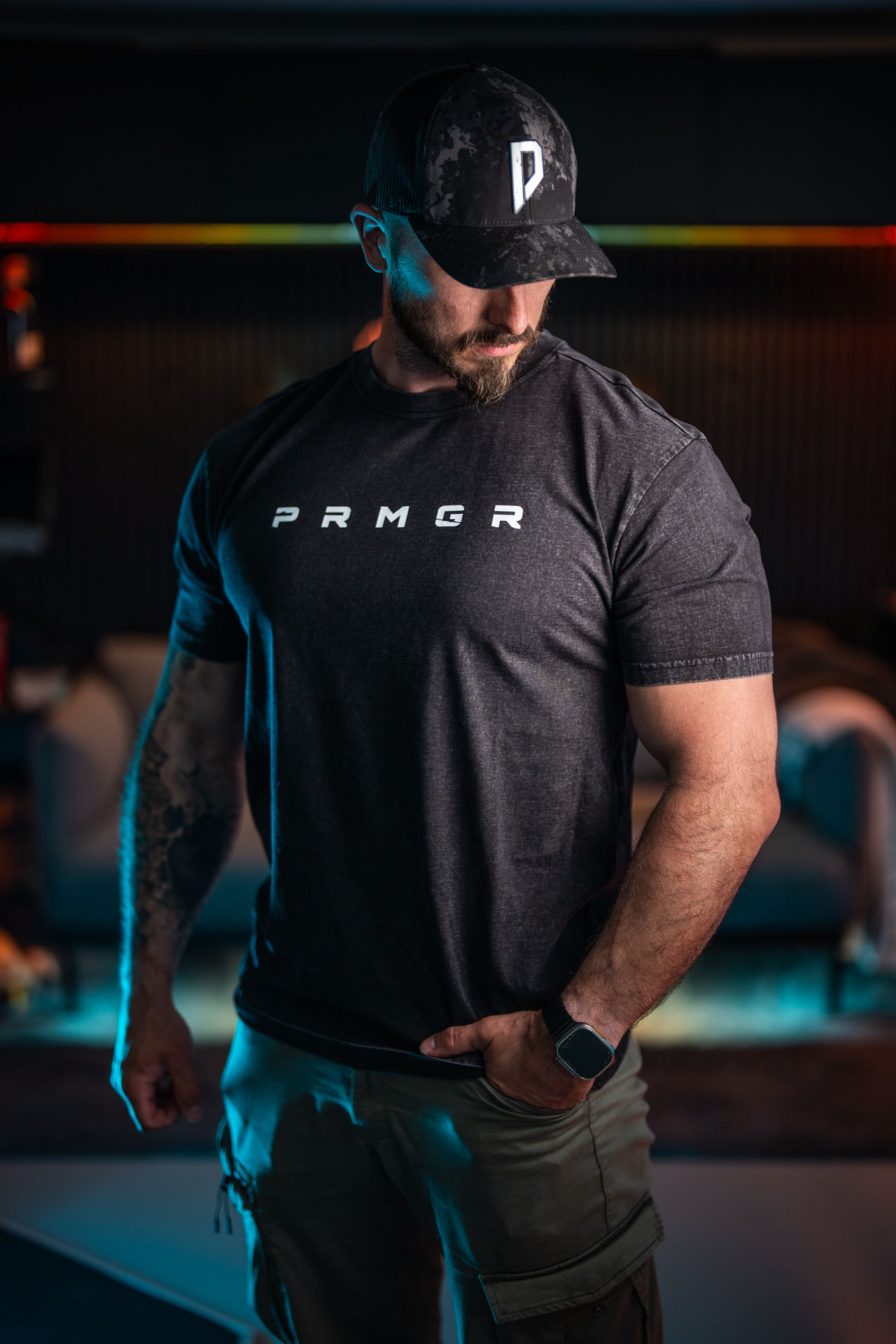
I’m Peter. I learned by picking up a camera, making things and figuring it out along the way. This course opens up the way I work in Final Cut Pro—the tools, the decisions and the process behind the finished film.
WATCH THE PROCESS ↗Yes. The lessons are built around Final Cut Pro. The editing software is separate from the course.
Purchase through the PL Method store, then sign in using “Your courses” in the menu to open your lessons.
Core starts with the interface and the first project. Choose Pro if you also want advanced chapters, project libraries, community access and future updates.
Current pricing and purchase details are shown in the store. Already enrolled? Use Your courses above.