WORK WITH MY FILES.
400+ GB of practice footage, plus project files and libraries. Follow the process on the footage I use.
FINAL CUT PRO / COMPLETE WORKFLOW
The footage. The edit. The decisions in between. Follow my complete Final Cut Pro workflow, from the first project to the final grade.
View current price and purchase securely in the PL Method store.

For creators who want to see the complete process: how I organise a project, shape the story, build the sound and finish the colour.
400+ GB of practice footage, plus project files and libraries. Follow the process on the footage I use.
VLOG and base grade LUT packs, my Final Cut Pro commands and five exclusive MotionVFX presets.
Members-only Discord, feedback and questions. Lifetime access, with future course updates included.
Open a chapter. See where we’re going. Then put the process to work on your own timeline.
6 EPISODESFind your way around the interface. Get comfortable with the tools before you start cutting.
5 EPISODESSet up a project, organise your media and build a clean starting point for the edit.
7 EPISODESBuild your timeline. Cut, rearrange and find a rhythm that works for your footage.
16 EPISODESMatch cuts, jump cuts, blend modes and compound clips. More tools for the decisions that matter.
6 EPISODESGive the footage a reason to be there. Shape an edit that holds attention, including videos for YouTube.
6 EPISODESBreak down movement and masks into steps you can understand and use in your own timeline.
9 EPISODESMusic, atmosphere and the small sounds that make a scene feel real. My process for building a soundscape.
6 EPISODESWork with colour inside Final Cut Pro. Understand the grade, then put LUTs to work.
MEMBER-REQUESTED BREAKDOWNSExtra breakdowns built around questions from course members. Keep exploring the process.
| THE COURSE | CORE | PRO |
|---|---|---|
| Focus | Editing fundamentals | Complete workflow |
| Lessons | 18 episodes / 3 chapters | 80+ episodes |
| Practice footage | Included | 400+ GB |
| LUT packs + commands | Included | Included |
| Project libraries | — | Included |
| MotionVFX presets | — | 5 presets |
| Discord + future updates | — | Included |
| Access | Lifetime | Lifetime |
| Explore | VIEW CORE ↗ | VIEW PRO ↗ |
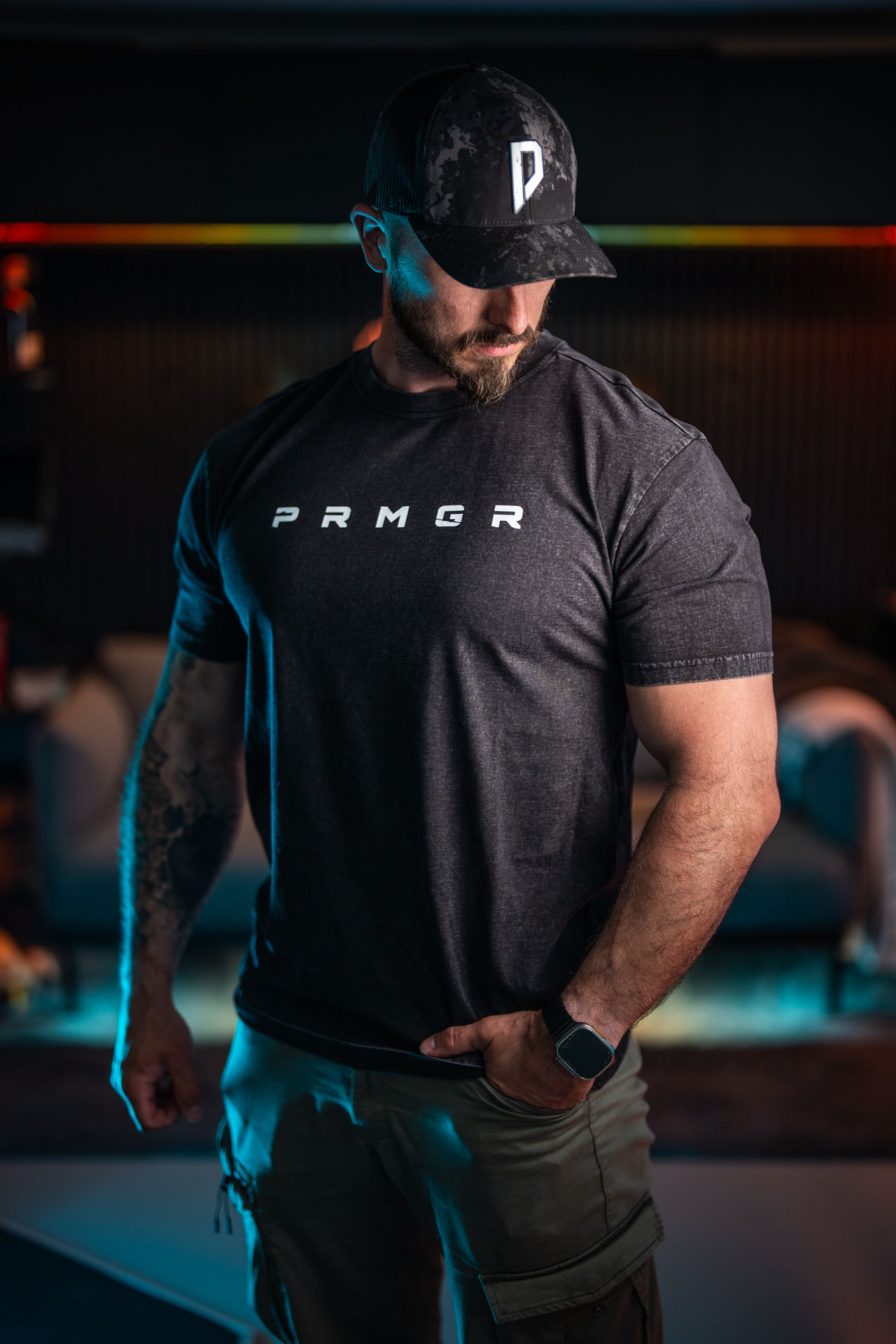
I’m Peter. I learned by picking up a camera, making things and figuring it out along the way. This course opens up the way I work in Final Cut Pro—the tools, the decisions and the process behind the finished film.
WATCH THE PROCESS ↗Yes. The lessons are built around Final Cut Pro. The editing software is separate from the course.
Purchase through the PL Method store, then sign in using “Your courses” in the menu to open your lessons.
Pro covers the fundamentals and continues into advanced editing, storytelling, sound and colour. Choose Core if you want the first three chapters.
Current pricing and purchase details are shown in the store. Already enrolled? Use Your courses above.